
Photo by Erik Mclean on Pexels
AI Savings Apps That Actually Build Your Emergency Fund
Building an emergency fund feels overwhelming — but AI-powered savings apps can automate the process, set smart goals, and move money for you. Here's how to get started.
How to Build an Emergency Fund Using AI Savings Apps
Three days before payday. Car needs $400. Checking account: $212. You've been here before — and you'll be here again if you keep trying to save manually.
Manual saving fails not because of discipline, but because it asks you to make a financial decision at the worst possible moment: when the money is already gone. AI savings apps solve this by removing the decision entirely. They move money before you see it, skip transfers when your balance is low, and adapt to your income timing automatically.
Here's how to build a real 3–6 month emergency fund using them — not the theory, the exact setup.
Get These Three Things Right Before You Download Anything
 Photo by Marta Branco on Pexels
A number. Pull two months of bank statements. Add up only essential expenses: rent, utilities, groceries, insurance, minimum debt payments. Ignore everything else. Multiply by three. That's your minimum target. If your essentials run $2,600/month, your target is $7,800 — not $1,000, not "a few thousand." Write the actual number down. Vague goals don't get funded.
A high-yield savings account. Standard big-bank savings accounts pay around 0.01% APY. Online high-yield accounts currently pay 4–5% APY. On a $5,000 balance, that's $200–250/year versus $0.50. The account takes 10 minutes to open. Do it before you download any app.
A separate bank. Put your emergency fund at a different institution than your checking account. Same-bank transfers take seconds — one bad week and you've raided it. Cross-bank transfers take 1–2 days. That friction stops most impulse withdrawals. It's not a trick; it's the entire strategy.
How AI Savings Apps Actually Work (Three Categories, Three Mechanisms)
Round-up apps round every transaction to the nearest dollar and sweep the difference to savings. A $4.60 coffee sweeps $0.40. At 15 transactions per week averaging $0.50 each, you're saving about $30/month. Useful as a supplement — not enough to build an emergency fund on its own.
Micro-savings apps analyze your income timing and spending rhythm, then pull small amounts — typically $5–50 at a time — on days your balance is healthy. They skip transfers when your balance is low. For most people with a steady paycheck, these outperform round-up apps because they adapt to your actual cash flow rather than a fixed formula.
Cash flow-based tools calculate a safe-to-save amount based on upcoming bills and your income schedule, then move it before you spend it. Best for irregular income — freelancers, hourly workers, anyone whose paycheck varies week to week.
If your income is steady and biweekly, micro-savings is the right category. If it fluctuates, cash flow-based tools are worth the extra setup.
The Setup That Actually Produces Results
 Photo by Jakub Zerdzicki on Pexels
AI analysis is smart, but don't rely on it as your only mechanism. Set a fixed automatic transfer to hit savings within 24 hours of every paycheck — even $50. This is your floor, not your ceiling.
Here's the math: on $3,200/month take-home, a $100 automatic transfer plus average micro-saves of $60–80/month gets you to roughly $2,000 after 12 months. That covers most car repairs, most ER copays, most "landlord needs first and last" situations. That's what an emergency fund is for — not wealth, just stability.
One setting that prevents most problems: the minimum balance threshold. Almost every AI savings app lets you specify "never pull money if my checking drops below $X." Set it to $400 or $500. This single configuration prevents the majority of overdrafts people blame on the app.
On friction: Moving your emergency fund to a different bank is the highest-return 10-minute task in personal finance. Research on savings behavior consistently shows that adding even a small delay — a 1–2 day transfer window — cuts impulsive withdrawals significantly. When the money is one tap away, it gets spent. When it takes a day to arrive, most "emergencies" turn out not to be.
Adjust Before the Tight Month, Not After the Overdraft
Every AI savings app has a pause or reduce function. Use it proactively.
Before a month where cash flow will be tight — a large annual bill, a medical expense, a slow freelance quarter — cut your automated transfers by 50% or pause them entirely. Resume the following month.
Most people do the opposite: they leave automation running through a tight month, overdraft, pay $30–35 in fees, and then quit the app. The app didn't fail. The plan failed. Anticipating lean months is part of operating the system, not a sign the system is broken.
Four Mistakes That Stall Emergency Fund Progress
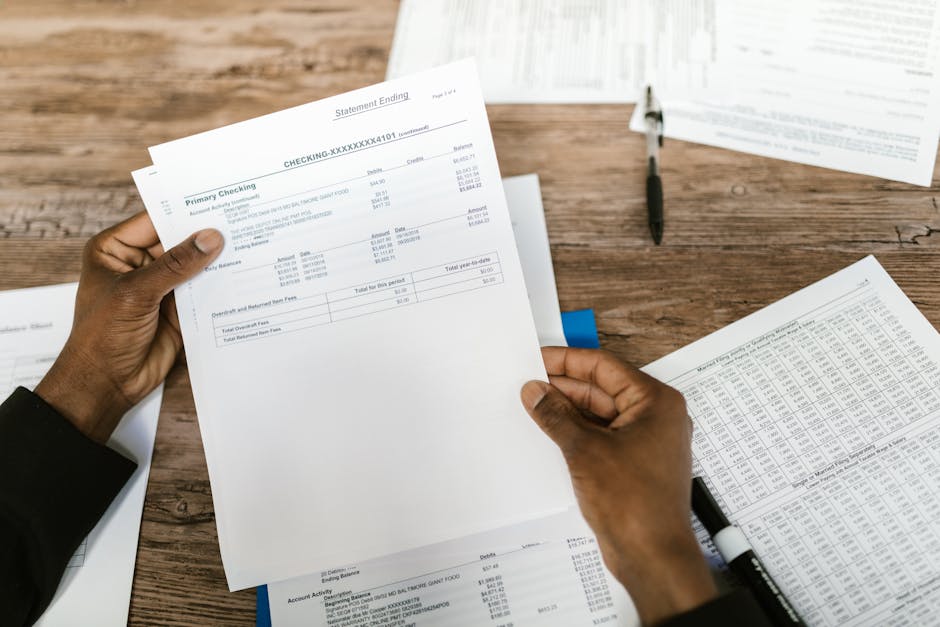 Photo by RDNE Stock project on Pexels
Using a standard savings account. 0.01% vs. 4–5% APY is not a rounding error. On $5,000, it's the difference between earning $0.50 and $200–250 annually. Fix this before everything else.
Starting with an unrealistic transfer amount. If your real monthly surplus is $150, setting a $300 automated transfer guarantees an overdraft within weeks and a story you tell yourself about why saving doesn't work for you. Start at half what you think you can save. After 60 smooth days, increase it.
Treating the fund like an investment. Emergency funds stay in cash. Index funds can drop 20–30% in a bad quarter. "My car broke down and my fund is down 25%" is an avoidable problem. Keep this money boring and liquid.
Counting only round-ups. $30/month in round-ups takes nearly two years to reach $700. Round-ups supplement your core automation. They do not replace it.
When Things Go Wrong
App overdrafted your account: Contact support within 24–48 hours — most apps reverse the transfer if you catch it quickly. Lower your transfer amount, then set a minimum balance threshold if you haven't already.
You dipped into the fund for a non-emergency: Add the cross-bank friction step if you haven't. Then add an extra $50/month temporarily to replenish it. Three months of that fills most small withdrawals.
Irregular income keeps triggering overdrafts: Switch to a cash flow-based app, or raise your minimum balance buffer in checking to $500–700 to absorb slow weeks.
After You Hit the Target
Don't stop the automation — redirect it. Most AI savings apps support multiple savings goals. Once your emergency fund is funded, point the same transfers at a car repair fund, a medical deductible buffer, or a job-loss reserve beyond your three-month baseline.
The emergency fund is proof the system works. Same mechanism, different target. That's how you use AI savings apps to build financial stability one fund at a time — start the automation, let it run, then aim it at the next problem.


